Top 10 Wayback Machine Alternatives in 2026
What is the Wayback Machine?
The Wayback Machine is part of the Internet Archive, a nonprofit project that preserves snapshots of websites. It captures pages over time and stores them so anyone can look back at older versions. It’s one of the largest public archives online, and people use it to recover deleted content, view old designs, study web history, or check claims made years earlier.
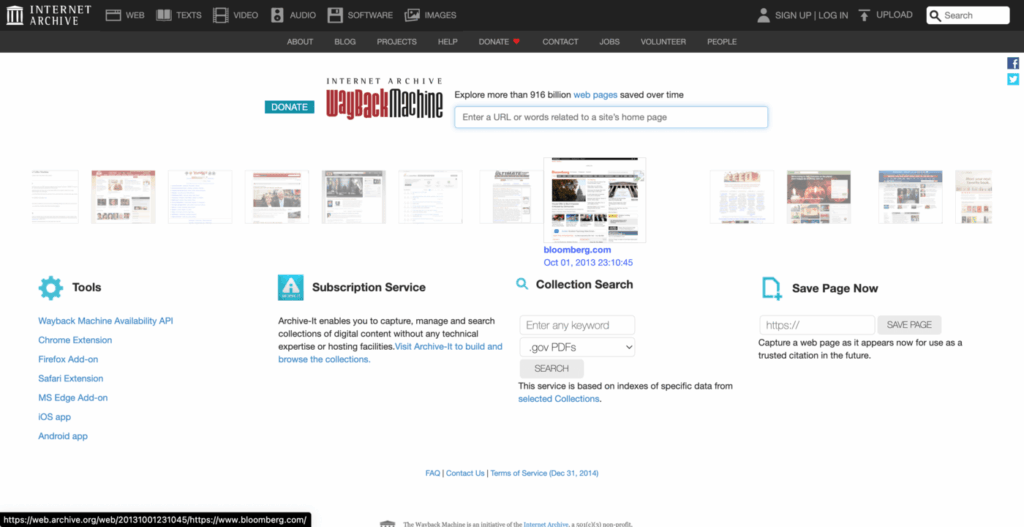
Many users visit the archive when a website shuts down or removes important pages. Others rely on it for basic research, SEO work, or legal reviews. It shows how a page looked on a certain date, even if the original site no longer stores that version.
In 2026, the Wayback Machine is still popular, but it has limits. It may miss pages that block crawlers or load content through scripts. Some captures may not show images, videos, or interactive features. Real-time snapshots are also not guaranteed. This creates gaps for people who need accurate and dependable records.
Because of these limits, many users look for stronger or more specialized tools. Researchers need reliable copies for citations. Businesses need complete captures for compliance. SEO teams need ways to check pages that change often. Digital historians look for deep archives beyond the public web. And regular users want simple tools that save pages at the moment they need them.
Different tasks require different tools, and that’s why new web archiving services continue to grow each year.
Key features to look for in a Wayback Machine alternative
Choosing a web archiving tool depends on what you need. Some users want quick snapshots. Others need long-term records that meet strict rules. Below are the features that matter most when searching for a solid Wayback Machine replacement.
Real-time capture or scheduled capture
Some tools let you save a page the moment you see it. Others can capture pages on a schedule. This helps when a site changes often or removes content without warning. Real-time capture is useful for breaking news, live updates, or temporary posts. Scheduled capture helps track long-term changes on important websites.
Long-term storage and snapshot retention
Not every service keeps snapshots forever. Some offer short-term access only. If you need long-term records, choose a tool that promises stable storage. This matters for legal needs, research projects, or historic tracking. Strong retention policies help ensure your snapshots stay available years later.
Ability to capture dynamic pages and scripts
Modern websites use scripts, pop-ups, forms, and interactive elements. Many simple archiving tools fail to save these parts. Choose a tool that can capture full pages, including scripts and loaded content. This gives you a more accurate version of the original site.
Privacy, security, and compliance features
Some users need secure storage. Others must meet rules for legal, financial, or government work. Look for encrypted storage, private links, or controlled access when handling sensitive pages. Compliance features help prove that the snapshot is untouched and reliable.
Page capture under heavy scripts or interactive elements
Some websites load content only after clicking, scrolling, or waiting. Choose a tool built to handle heavy scripts or dynamic layouts. This helps when archiving dashboards, long articles, or pages with hidden elements.
Ability to save screenshots or HTML copies
Screenshots provide a clear visual record. HTML copies let you view the page even if scripts stop working later. A strong archiving tool should support both. Screenshots help with quick reference. HTML saves the structure and text of the original site.
Collaboration or legal admissibility options
Teams working on research or compliance may need shared access. Some tools offer folders, notes, or export options. In legal settings, you may need timestamps or audit trails. Choose a service that supports verified captures if you plan to use them in court or audits.
Top alternatives to the Wayback Machine
Different archiving tools solve different problems. Some focus on legal records and secure storage. Others help with SEO audits, academic projects, or simple personal backups. A few tools capture pages on demand, while others take scheduled snapshots over time. The choices below offer a mix of features, giving you solid options no matter what type of web page you want to save or study.
1. Archive.today (Archive.is)
How it works
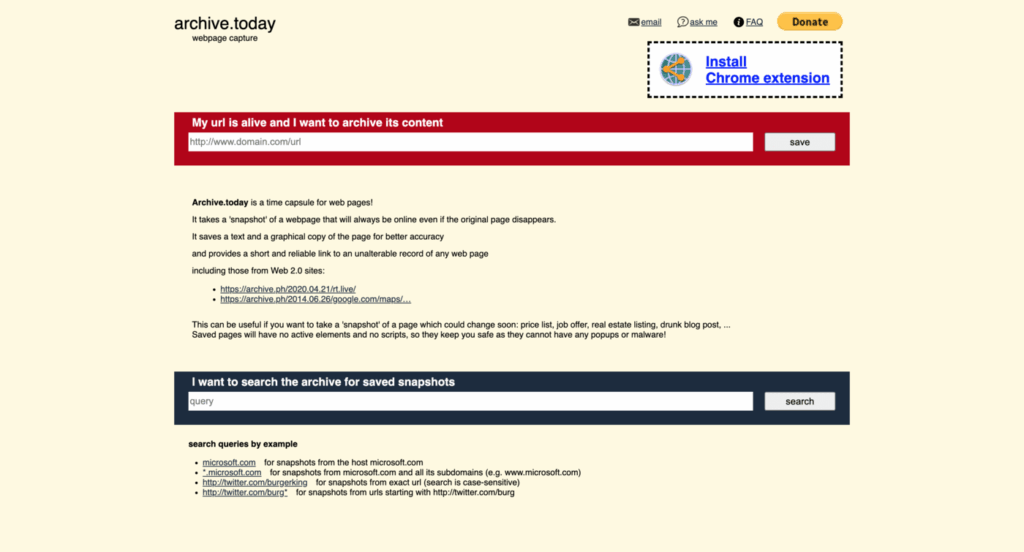
Archive.today is a simple tool that saves a live snapshot of a web page. You enter a link, and it creates a static copy that you can view later. The tool stores both a screenshot and a text-based version, giving you two ways to see the page.
Strengths
The service is fast and easy to use. It creates snapshots almost instantly. You don’t need an account, and the interface is direct. It works well for pages that may disappear without warning.
Limitations
Archive.today may not capture complex features. Some scripts, videos, and interactive parts may not load in the saved copy. Dynamic layouts can also appear incomplete. Because the tool focuses on speed, deep captures are limited.
Best for
Fast public snapshots that you can share or revisit later.
2. Pagefreezer
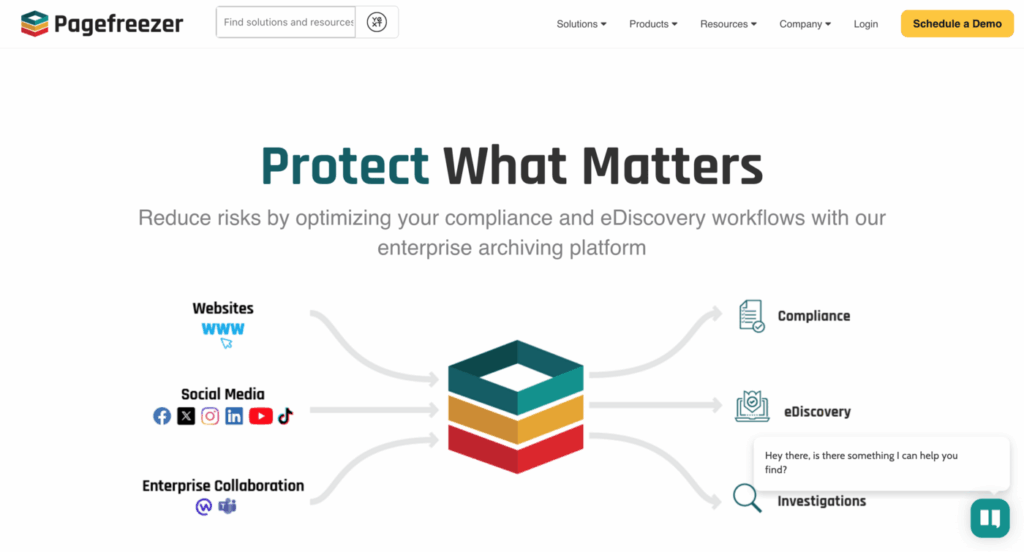
Real-time archiving
Pagefreezer captures live websites as they change. It creates complete records of pages, posts, and updates. This helps teams track content over time with reliable accuracy.
Legal and compliance-ready
This tool supports strict compliance needs. It keeps records that meet legal and regulatory standards. It offers secure storage and verification options so you can prove that a page is unchanged.
Audit trails and record-keeping
Pagefreezer logs every action for clear audit trails. You can review past versions, export records, and show when a change happened. This is helpful for companies that need certified archives.
Best for
Enterprises and regulated industries that need verified web records and secure long-term snapshots.
3. Stillio
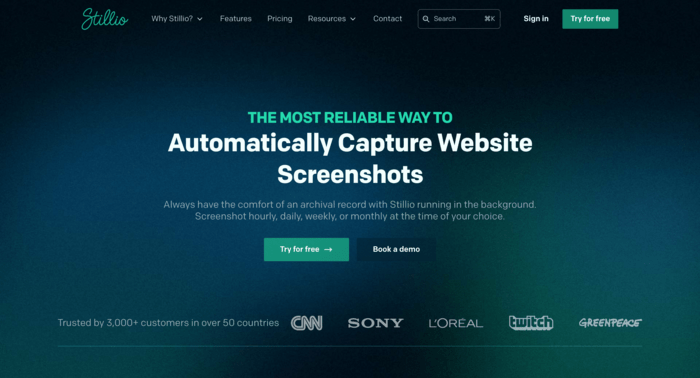
Automatic website screenshots
Stillio captures screenshots of web pages at regular intervals. You choose the pages you want, and the tool saves them without manual work. This creates a visual timeline that shows how a site changes over weeks or months.
Scheduled captures
You can set Stillio to take snapshots daily, weekly, or monthly. This works well for pages that update often, such as homepages, product pages, or news sections. The tool handles the schedule for you.
Ideal for brand tracking
Many companies use Stillio to watch their own sites or their competitors’ pages. Regular screenshots reveal design changes, new features, or adjustments to marketing campaigns. This helps teams stay informed without constant checking.
Best for
Marketers and documentation teams that need ongoing visual records of web pages.
4. Perma.cc
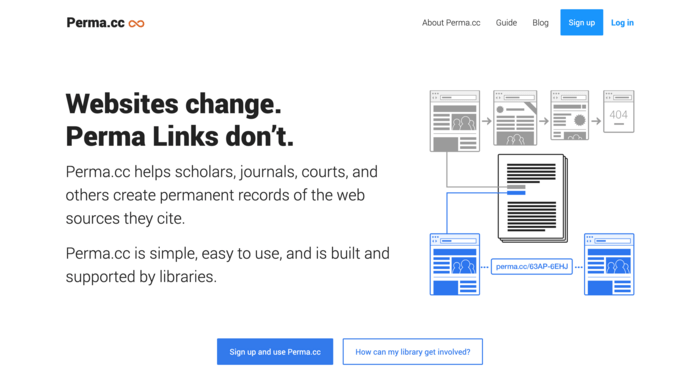
Long-term academic-grade preservation
Perma.cc creates stable links that stay active long after the original page changes or disappears. The tool stores the content in a controlled archive that focuses on long-term access.
Trusted by universities and researchers
Many colleges, libraries, and research groups rely on Perma.cc for citations. Scholars use it to preserve sources for papers, reports, and legal references. The archive is known for its accuracy and reliability.
Best for
Citations and permanent references that must remain available in academic or legal work.
5. Memento Time Travel
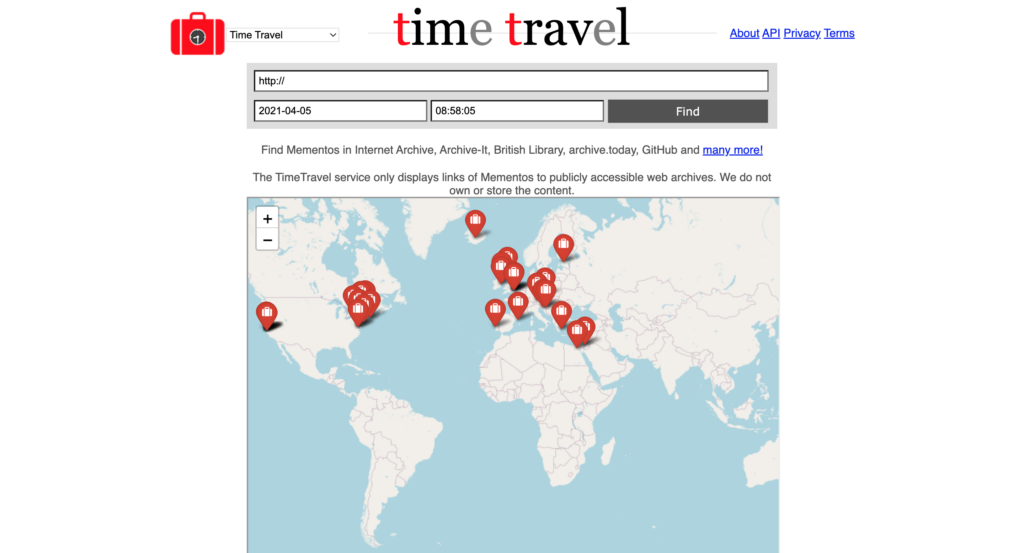
Federated web archive search
Memento Time Travel brings multiple archives together in one place. You enter a link, and the tool checks several public archives at once. This saves time when looking for older versions of a page.
Connects multiple archives
The tool searches collections from the Internet Archive, national libraries, and other web preservation groups. If one archive misses a version, another might have it. This increases your chances of finding complete records.
Best for
Finding old versions of pages that other tools might overlook.
6. WebCite
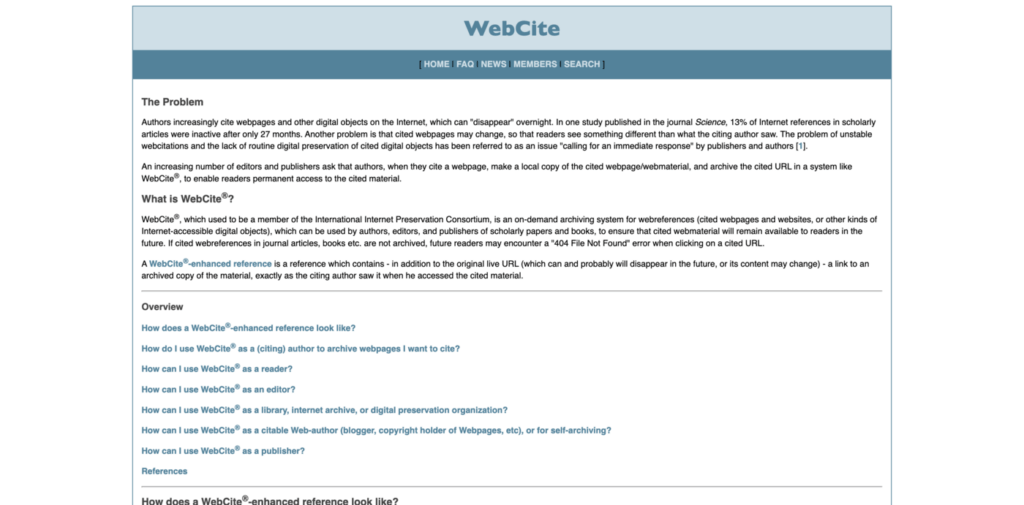
HTML and PDF capture
WebCite saves pages as HTML or PDF files. This makes the snapshot easy to store, share, or print. It captures the text and layout, giving users clear access even if the original site goes offline.
Used heavily in academic circles
Researchers and students use WebCite to preserve online sources for papers and studies. It helps ensure that cited material remains available over time.
Best for
Simple, citation-level archiving where long-term access to text and layout matters.
7. Resurrect Pages (browser extension)
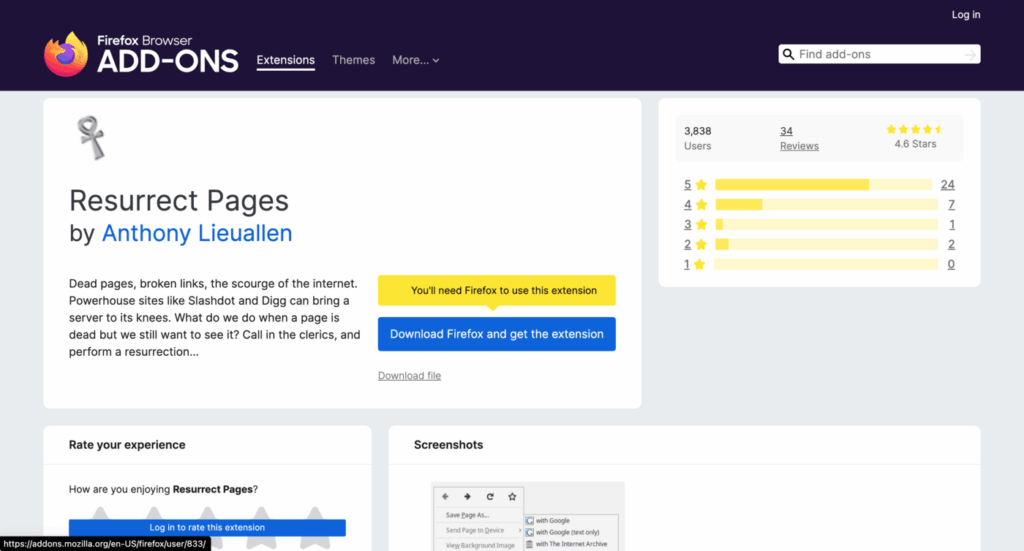
Easy retrieval of missing or dead pages
Resurrect Pages helps you view pages that no longer load. When a site shows a 404 error or a dead link, you can use the extension to try older copies. It works directly in the browser, so you don’t need to visit a separate site.
Pulls from multiple archives
The extension checks several archives at once. It looks through the Wayback Machine, Archive.today, and other sources. This increases your chances of finding a working version of the missing page.
Best for
Every day browsing needs, especially when dealing with broken links or removed content.
8. GitHub for web archiving
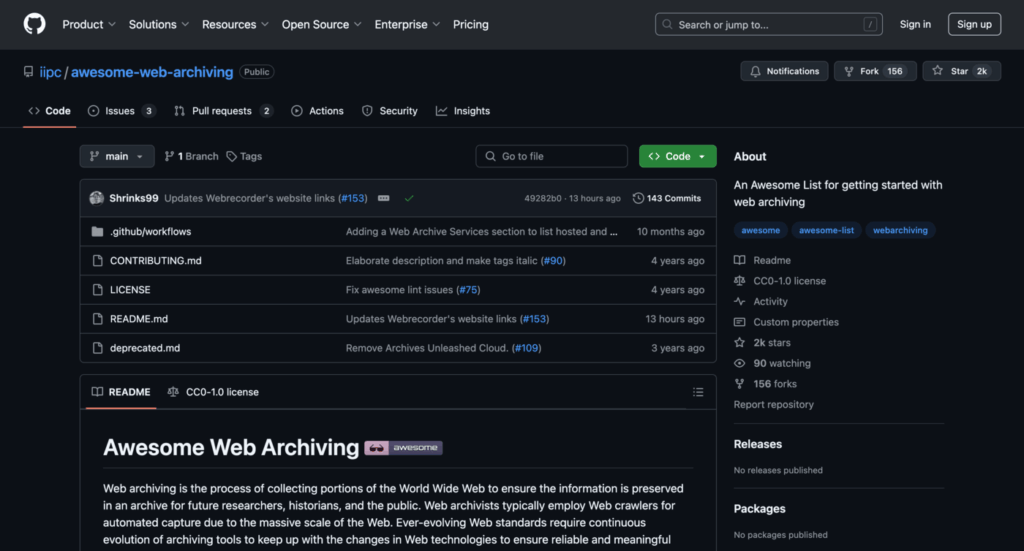
Version-controlled storage
GitHub lets users store HTML files, screenshots, and full project folders. Each change is tracked, creating a complete history of edits. This makes it useful for preserving versions of websites or code-based projects.
Community-driven snapshots
Developers often upload archived pages or tools that help capture web content. These shared resources support research and digital preservation. Public repositories allow others to fork or build on the work.
Best for
Developers and researchers who want open, version-controlled archives that support collaboration.
9. The Library of Congress Web Archives
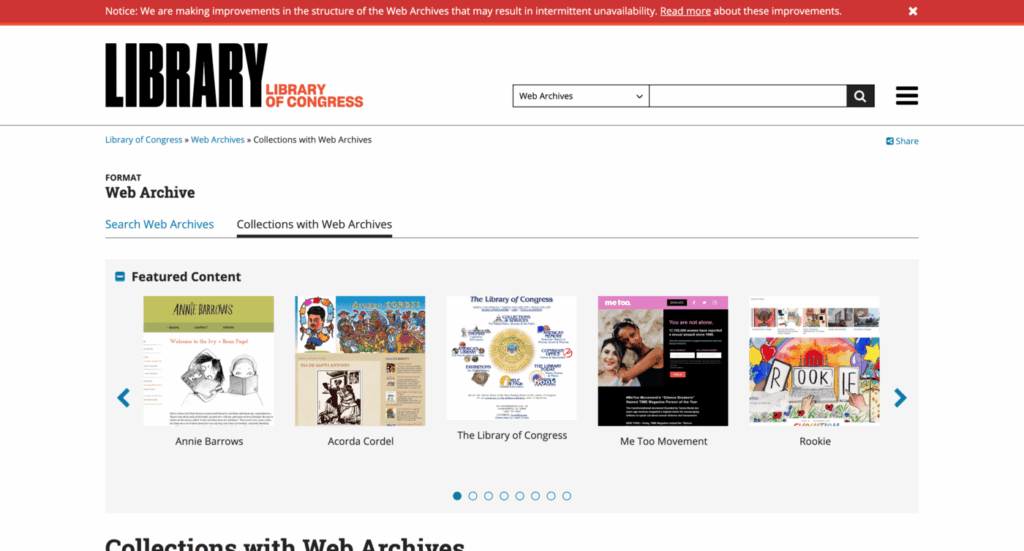
Historic and cultural web collections
The Library of Congress preserves websites that document major events, public issues, and cultural moments. Its archive includes government pages, election material, social movements, and online publications. These collections help show how the web reflects society over time.
High-trust, long-term preservation
As a national library, it keeps records with strong preservation standards. Pages stored here remain available for decades. This makes the archive a dependable source for long-term study and public research.
Best for
Primary-source research and public history projects that need reliable, high-quality archived material.
10. Wayback extension (for Chrome)
Direct access to snapshots
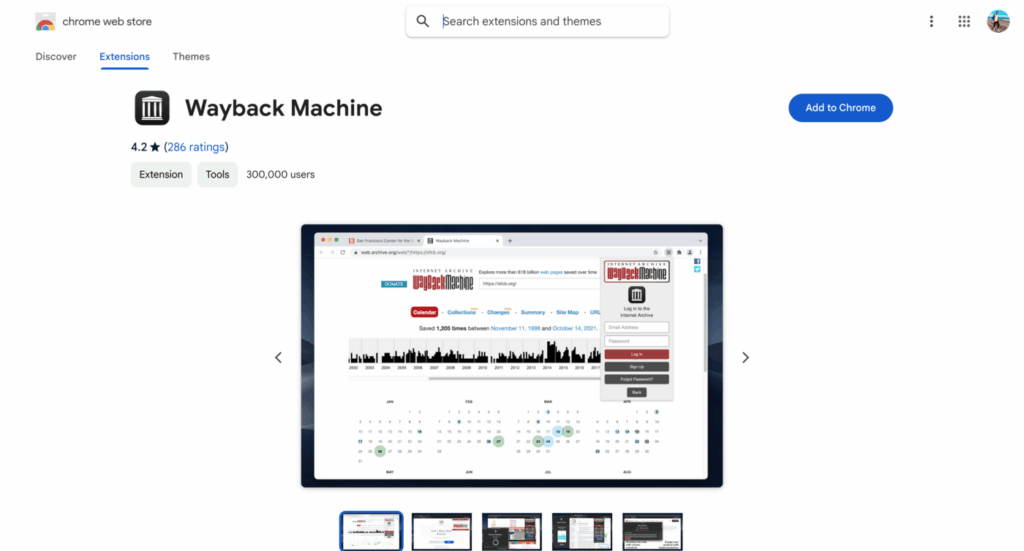
The Wayback extension lets you open archived versions of a page with one click. You don’t need to visit the site manually or copy links. It pulls up versions from the archive and shows you what the page looked like at different times.
Quick capture access
You can also save pages from the browser. This is helpful when you want to keep a record of something before it changes. The extension makes the process simple for new users.
Best for
Casual users who want fast lookups or quick snapshots without using a full archiving platform.
How to choose the right Web Archive alternative
Choosing the right archiving tool depends on what you need to save and why. Each tool offers different strengths, so it helps to decide your purpose before comparing features. The steps below make the choice easier.
Match the tool to your purpose
Start by defining your goal.
If you need legal records, choose a tool with verified snapshots and audit trails. For SEO work, pick a tool that captures frequent changes. For research, use a service with long-term storage. For simple backups, a basic snapshot tool may be enough.
Consider whether you need instant capture or scheduled tracking
Instant capture helps when you need a page saved at a specific moment. Scheduled tracking works better for pages that change often, such as homepages, news posts, or product listings. Choose the method that fits how often you need new snapshots.
Assess privacy and data retention needs
Some users need private archives. Others need strict data rules for compliance. Look for encryption, access controls, or long-term retention policies if you handle sensitive or regulated content. Public tools may not offer the privacy you need.
Look at export options
Different tools export data in different ways. HTML copies help preserve structure. PDF files work well for printing or sharing. Screenshots show the page exactly as it appeared. Choose a tool that gives the format you plan to use.
Check if you need a paid plan or if free tools fit your goal
Many tools offer free features, but advanced functions may cost money. If you need secure storage, scheduled captures, or verified records, a paid plan might be the right choice. If you only need quick public snapshots, free tools may be enough.
Frequently Asked Questions
This section answers common questions people have when choosing a Wayback Machine alternative.
Are these Wayback Machine alternatives free to use?
Some tools offer free access, but many include paid plans for advanced features. Archive.today is free. GitHub can be free depending on how you use it. Tools like Pagefreezer, Stillio, and Perma.cc charge for full access, long-term storage, or compliance features. Free tools work for basic snapshots. Paid ones offer deeper captures and professional features.
Can I use these tools to archive pages that are behind paywalls?
Most archiving tools cannot bypass paywalls. They capture only the content you can load in your own browser. If you have access, the tool may save it. If you do not, the page will appear blank or limited. Always follow website rules and copyright laws when saving paid content.
How secure are these archived pages?
Security depends on the service you choose. Public tools store snapshots in open archives, which anyone can view. Private archiving tools offer encrypted storage, user controls, and secure export options. If you need strict privacy, choose a tool built for compliance rather than public access.
Can I retrieve deleted pages with these alternatives?
Yes, but only if the page was captured before it was deleted. Archiving tools cannot rebuild missing content unless a snapshot already exists. If you need dependable recovery, choose a tool that captures pages often or lets you save pages on demand.
Which tool is best for legal and compliance needs?
Pagefreezer is the strongest option for legal or regulated environments. It offers verified records, audit trails, and storage that meets strict standards. Perma.cc is a good choice for academic and citation needs because it focuses on long-term preservation and stable access.
Conclusion
The Wayback Machine is still useful, but it doesn’t meet every need. Different archiving tools offer strengths that match specific goals. Some are designed for legal records. Others focus on research, SEO, or simple snapshots. The best choice depends on how often you archive pages, how secure the data must be, and how long you need to keep the records.
For business or compliance work, Pagefreezer is the strongest option. For academic use, Perma.cc offers trusted preservation. For quick snapshots or personal backups, Archive.today and browser extensions work well. Each tool fills a different gap, and choosing the right one helps you capture and preserve the content that matters most.